Donate via PayPal
A one-off or regular donation of any amount — directly to the Smart Sky Survey PayPal account.
Donate with PayPal Smart Sky Survey · Seestar Downloader is a spin-off of the Smart Sky Survey project.
 A Smart Sky Survey spin-offClosed beta
Seestar Downloader copies the stacked FITS files, the finished JPEGs and the thumbnails from your ZWO Seestar to your Mac or PC — over the connection the Seestar app already has, at home or through ZWO's remote network.
Currently in closed beta · free donationware for macOS and Windows · tested with the Seestar S30 Pro
Independent tool. Not made, endorsed or supported by ZWO. Use at your own risk.
No cables, no exporting picture by picture in the app: choose what you want and fetch it in one go.
One line per object, with date, frames, exposure, filter and size. An object imaged on several nights unfolds into its stacks, so you can take all of them or only some. Thumbnails on request.
The stacked FITS for processing, the finished JPEG or just the thumbnail — and, for works that kept them, every individual subframe, saved in a folder of its own.
A transfer that breaks off is tried again and carries on where it stopped. Files are only saved once complete; files already downloaded are skipped. An optional speed limit leaves room on slow connections.
Connect to the phone, tablet or Mac running the Seestar app on your network — or, on a Mac with Apple silicon, to the Seestar app on that Mac. It works as long as the Seestar app is connected, also through ZWO's remote network.
If you allow it in the settings, the app deletes images you have downloaded from the Seestar — after asking. Off by default: until then it only reads.
The app talks only to the device running the Seestar app on your own network. No account, no password, no internet connection, no usage data.
Open the official Seestar app and connect it to your telescope as usual. It must stay connected while you download.
Enter the IP address of the phone or tablet running the Seestar app — or choose the Seestar app on this Mac. The list of your works appears.
Select objects or single stacks, FITS or JPEG, and the folder for the files.
Progress, speed and time remaining are shown for every file; the files keep the Seestar's own names.
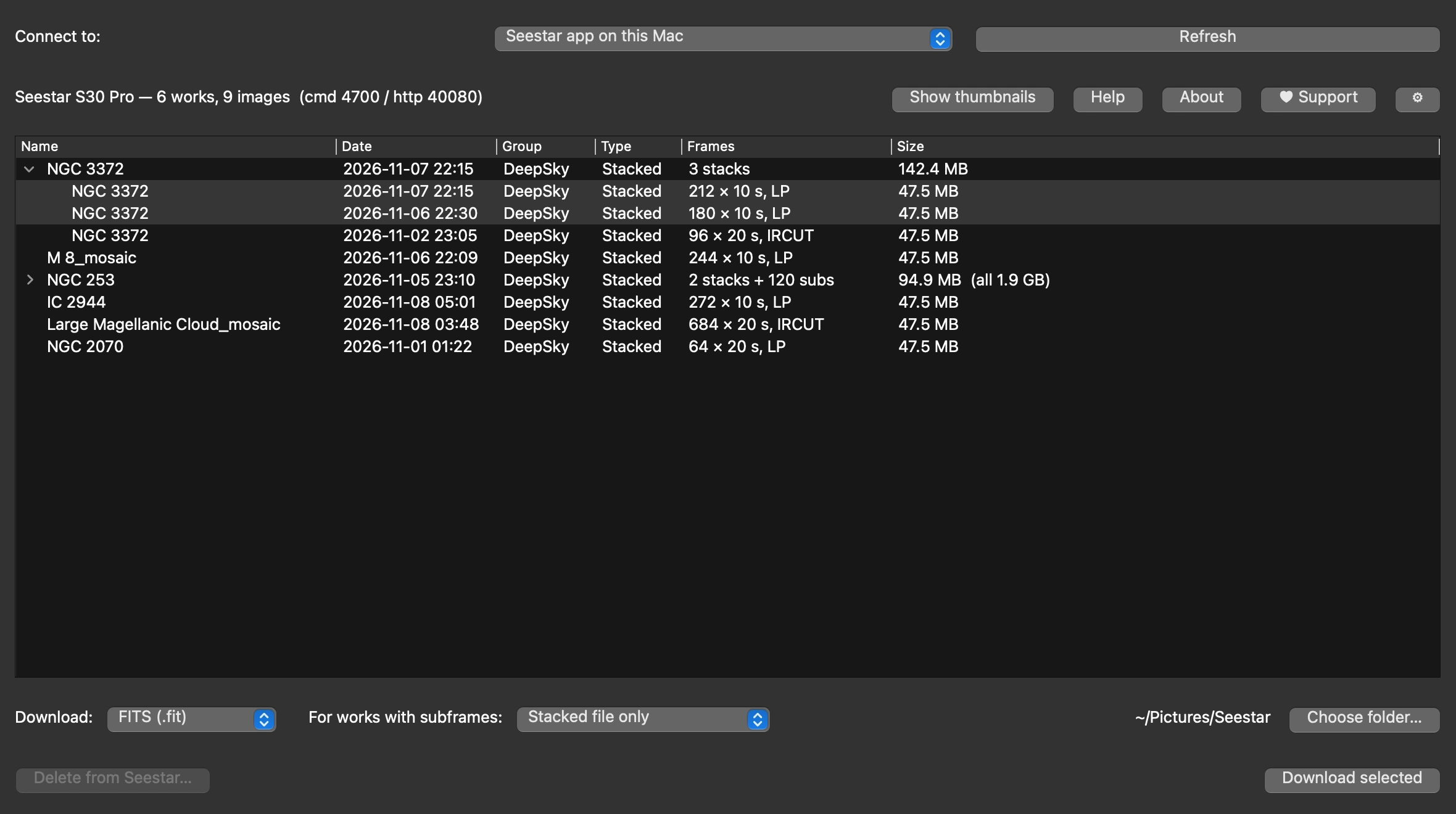
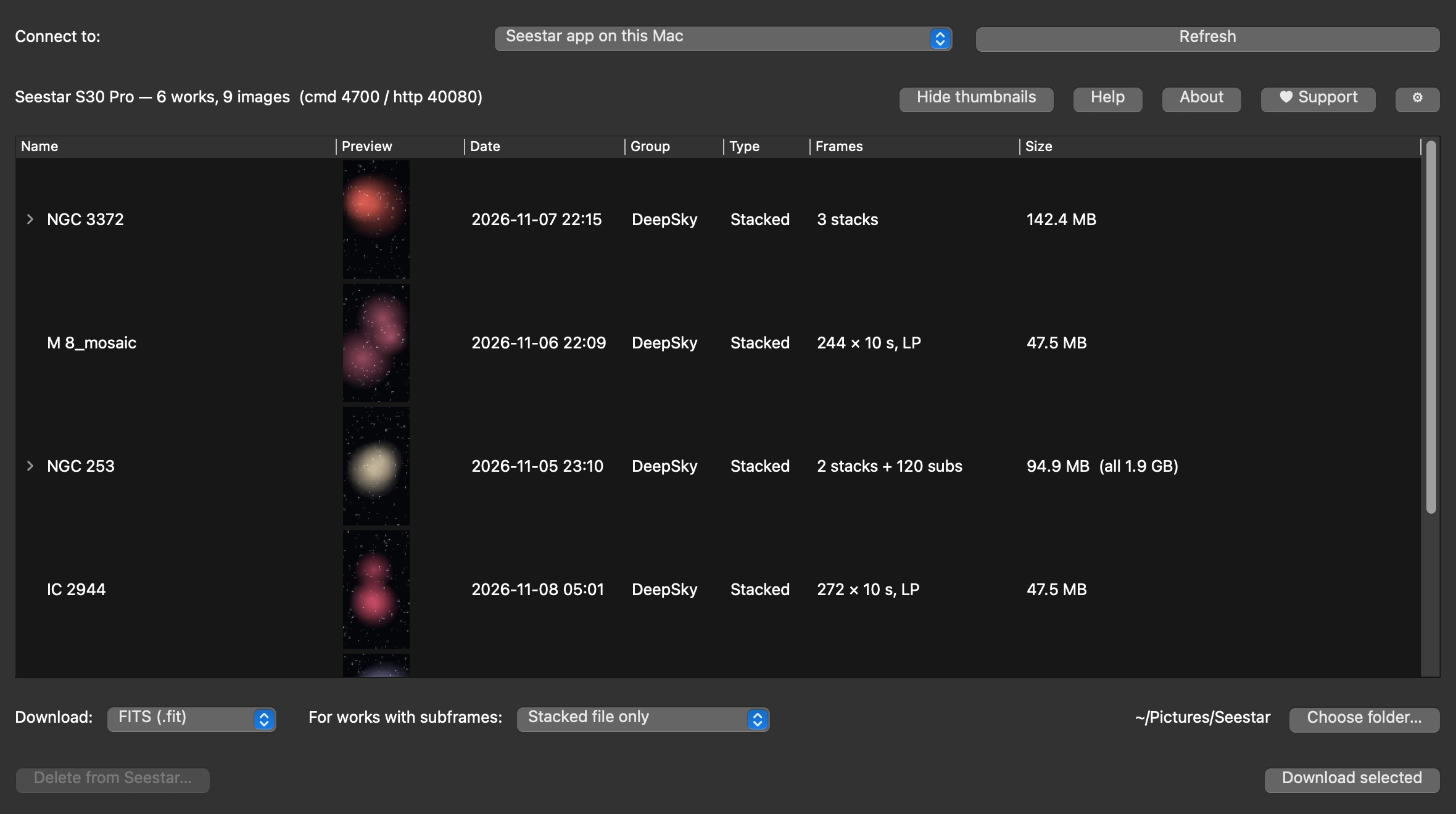
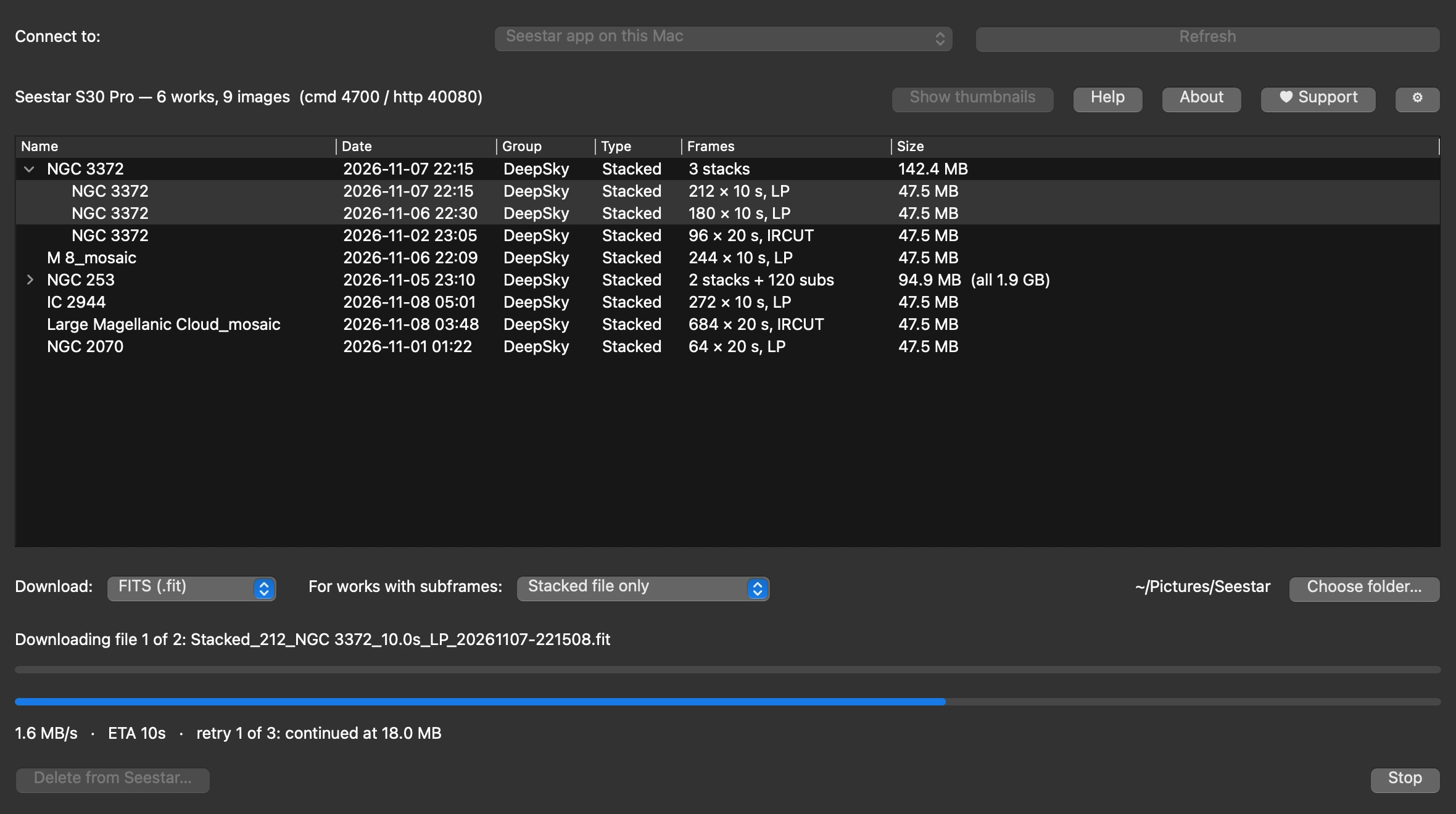
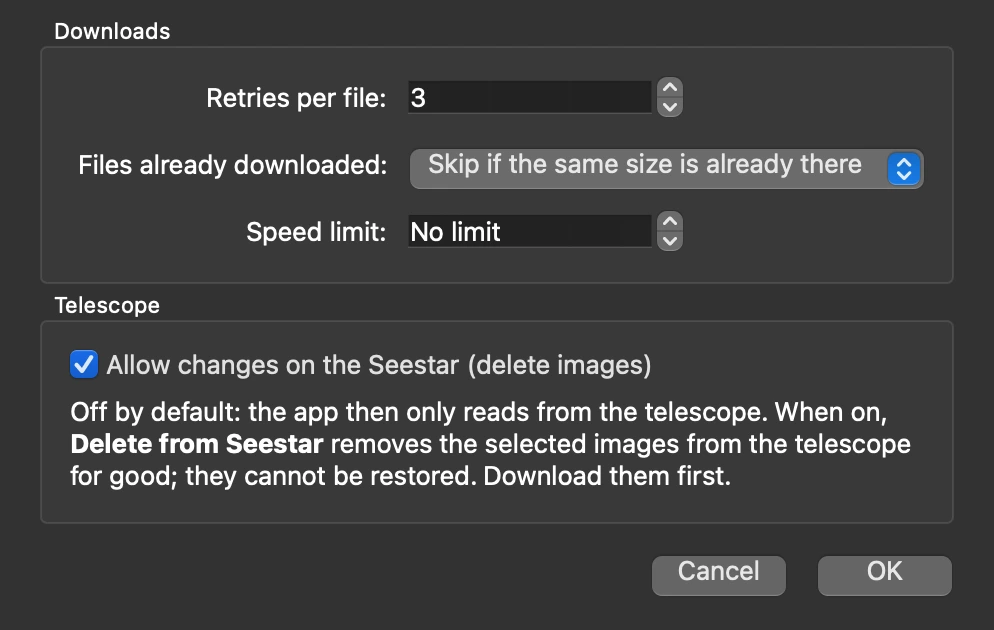
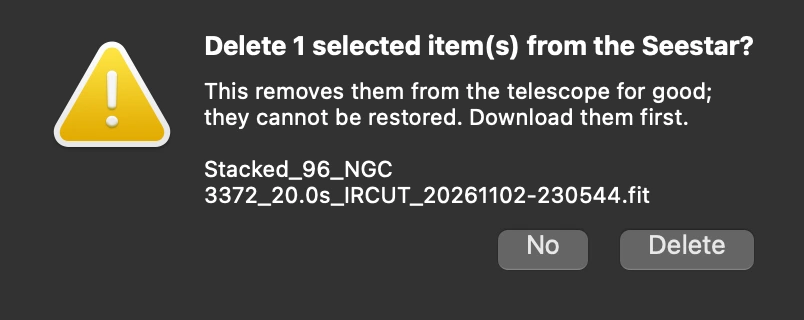
Screenshots with demo data.
The app is currently in a closed beta and not publicly available for download. Would you like to test it? Write me a short e-mail with your Seestar model and your computer, and I'll send you the beta version. It is free for private, non-commercial use under the licence.
Beta software. Expect rough edges, and keep a copy of your images before you delete anything on the telescope. Feedback from testers decides what comes next.
macOS 11 or newer on a Mac with Apple silicon (M1 or newer). Connects to the Seestar app on this Mac or on a device on your network.
Request the beta for macOSWindows 10 or 11, 64-bit. Connects to the phone or tablet running the Seestar app on your network.
Request the beta for WindowsSeestar Downloader costs nothing. If it saves you time after a night at the telescope, please consider a donation: every donation goes to the Smart Sky Survey project — telescopes, hosting and processing for an open, growing night-sky survey.
A one-off or regular donation of any amount — directly to the Smart Sky Survey PayPal account.
Donate with PayPalSmall, quick and without an account: a virtual coffee keeps the night shifts going.
Support SmartSkySurveyDonations are voluntary and don't buy support or features. Smart Sky Survey is a private project, not a registered charity — donations cannot be issued a donation receipt. More ways to help: smartskysurvey.com/support.html
Seestar Downloader grew out of Smart Sky Survey, a citizen-science project that turns several compact smart telescopes into one coordinated array to survey the night sky. Getting the images off the telescopes quickly was needed there — and became this app. Its sister app, Seestar Mosaic Manager, plans and tracks Seestar mosaics.
Not related to ZWO. Seestar Downloader is an independent project by MiceInSpace Development. It is not made, endorsed or supported by ZWO. ZWO and Seestar are trademarks of their owner and are named only to say what the app works with.
Unofficial use of the Seestar app's connection. The app fetches the images through the connection the Seestar app has opened to the telescope, without ZWO's approval. ZWO may change or block that at any time, and the app may then stop working.
Use at your own risk. The app is provided as is, free of charge and without warranty. Images deleted from the telescope cannot be restored — check your downloads before you delete anything.
Your data. The app connects only to the device running the Seestar app on your own network, or to the Seestar app on this computer. It stores no account or password, makes no connection to the internet and collects no usage data.